

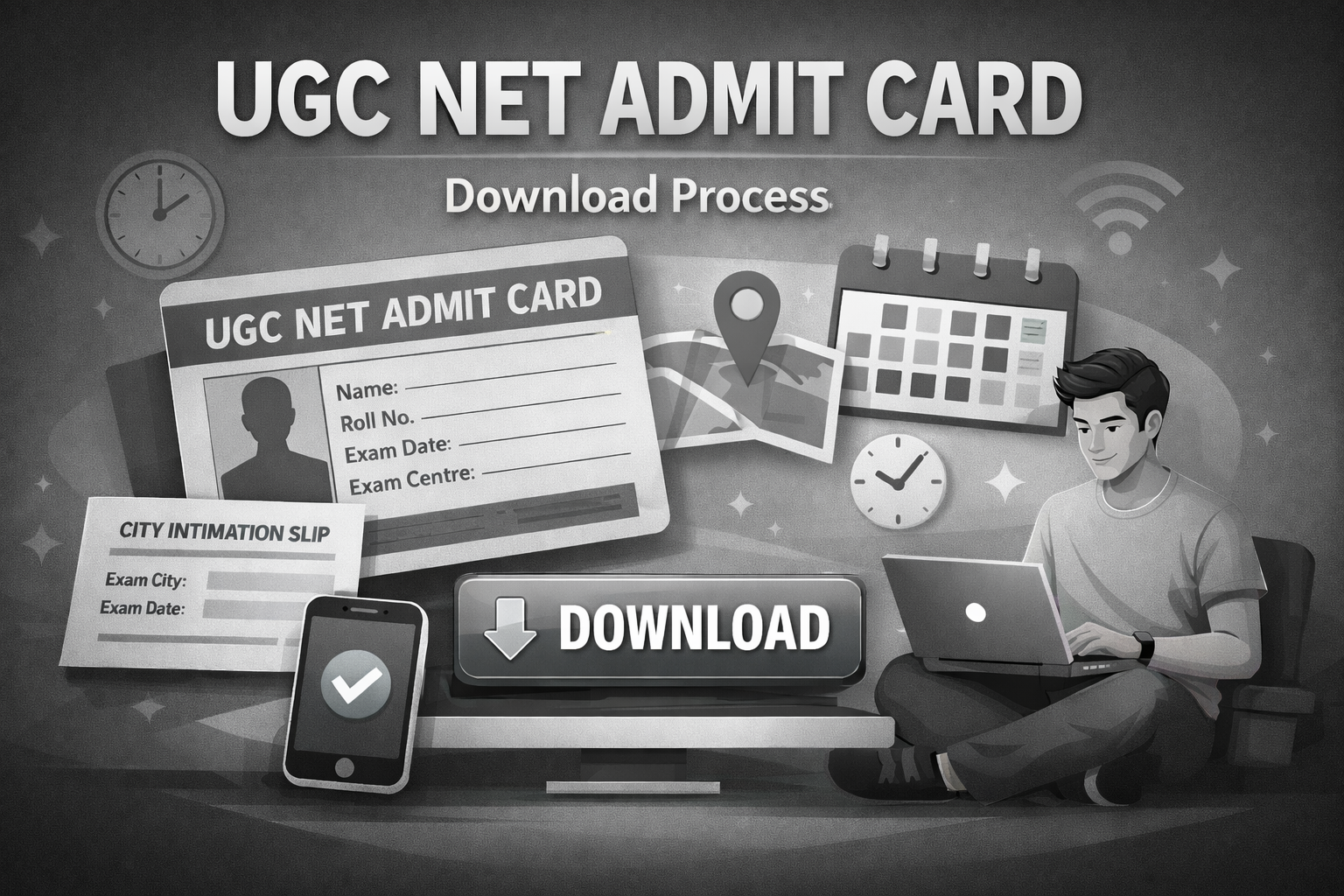
Quick guide to download UGC NET admit card with step-by-step process, credential recovery options, verification checklist, and exam day document requirements. This article is written by Urvi Shah, Senior Associate at LawSikho.
Table of Contents
Candidates can expect the UGC NET admit card to be issued nearly a week to ten days before the scheduled examination, subject-wise. Before the release of the admit card, the National Testing Agency (NTA) provides the City Intimation Slip, allowing examinees to plan their examination-related arrangements in advance.
When Does NTA Release the UGC NET Admit Card?
NTA follows a predictable pattern for admit card releases. The hall tickets typically become available on the official portal four to seven days before your scheduled exam date. Before the admit card, NTA releases the city intimation slip about one to two weeks earlier, which tells you the exam city and shift but not the exact center address.

For the December session, expect the city intimation slip in the second week of December and the admit cards in the third to fourth week of December. The exact dates are announced through official NTA notifications, so checking the website regularly from early December is essential.
Step by Step Process to Download Your UGC NET Admit Card
Downloading your admit card is a quick process if you have your credentials ready and know exactly where to go. NTA provides two methods for downloading: the primary method using your application number and password, and an alternative method using your name and date of birth for candidates who have forgotten their login details.
Primary Download Method Using Application Number and Password
This is the standard download process that the candidates use. You need your application number, which was sent to your registered email and mobile after successful form submission, and the password you created during registration.
Start by visiting the official NTA UGC NET website at ugcnet.nta.ac.in. On the NTA UGC NET homepage, look for the “Candidate Activity” section or a prominently displayed link that says “Download Admit Card for UGC NET December 2025” or similar text.
Enter your application number in the first field, your password in the second field, and the security captcha displayed on the screen. Click “Sign In” to access your candidate dashboard.
Once logged in, your admit card will either display directly or you will see an option to download it. Click the download button to save the PDF to your device.
Open the file immediately to verify it downloaded completely without corruption. Print at least two copies on clean A4 paper, keeping one as backup. The entire process takes under five minutes if the server is not congested.
If you have forgotten your application number, click the “Forgot Application Number” link on the login page. Enter your name, registered email, and mobile number to retrieve it.
For forgotten passwords, use the “Forgot Password” link and verify your identity through OTP sent to your registered email or mobile. Once verified, create a new password and proceed with the download.
How to Download the City Intimation Slip?
The city intimation slip is released before the admit card and provides preliminary information about your exam location. While it does not contain the complete exam center address, it helps you plan your logistics in advance.
The city intimation slip becomes available on the NTA UGC NET portal approximately one to two weeks before the admit card release. To download it, visit the same official website and look for a link labeled “Candidate Activity”, and then click on download “Advance City Intimation” link using your application number and password, similar to the admit card download process.
Once you access the city slip, note down the city name allocated to you. This information allows you to start researching accommodation options if you need to travel, check transport connectivity to that city, and make preliminary travel bookings. The city allocation is based on your preference selections during form filling and the availability of exam centers.
Verifying Your Admit Card Details and Handling Errors
Downloading the admit card is only half the job. The other half is systematically verifying every detail printed on it and knowing how to handle discrepancies if you find any. Catching errors early gives you time to get them corrected before exam day.

Essential Details to Check Immediately After Download
Open your downloaded admit card and verify the following details against your application form and identity documents. Start with your name: check the spelling letter by letter and ensure it matches your photo ID proof. Even small differences like missing middle names or different spellings can create problems during identity verification at the center.
Verify your date of birth, category (General, OBC-NCL, SC, ST, EWS), and PwD status if applicable. These details affect your qualifying cutoff and JRF eligibility, so errors here have consequences beyond just the exam day.
Check your photograph clarity and signature visibility. If the photo appears blurry or the signature is not clearly printed, try reprinting with better settings. If the issue exists in the PDF itself, report it to NTA.
Confirm your subject code matches the subject you intended to appear for. UGC NET has 85 subjects, and appearing for the wrong paper wastes your entire attempt.
Check your exam date, shift timing (Shift 1: 9 AM to 12 PM or Shift 2: 3 PM to 6 PM), and reporting time.
Finally, note your exam center name and complete address. Search for this location on Google Maps immediately to understand where it is and how long your commute will take.
How to Report and Resolve Discrepancies in the Admit Card?
If you discover any error in your admit card details, act immediately rather than hoping it will resolve itself. NTA has a process for handling discrepancies, but it requires time to investigate and correct, which is why early detection matters.
Contact NTA through their helpline numbers 011-40759000, which operate from 10:00 AM to 5:30 PM on working days. You can also email your complaint to [email protected] with your application number, clear description of the error, and supporting documents.
For name errors, attach a scan of your ID proof showing the correct spelling. For category errors, attach your category certificate.
NTA typically takes a few working days to process correction requests. If your exam date is approaching and the correction cannot be completed in time, NTA may advise you to appear with the current admit card while the correction is processed in their backend.
They make a note in their records about the pending issue. However, this is decided case by case, and significant errors like completely wrong names may create complications. The safest approach is always early detection and reporting.
Documents Required for UGC NET Exam Day
Your admit card is the primary document, but it is not sufficient on its own for exam center entry. NTA mandates additional documents for identity verification and knowing the entry rules prevents unpleasant surprises when you reach the venue.
What to Carry Along with Your Admit Card
Prepare a document checklist the day before your exam and gather everything in one folder or pouch. The mandatory items include two to three printed copies of your admit card on A4 paper, your original photo ID proof and two passport size photographs identical to the one on your admit card.
For photo ID, NTA accepts Aadhaar Card, PAN Card, Passport, Voter ID, Driving License, and Ration Card with photograph. The ID must be original and valid. Photocopies, expired IDs, and digital copies on mobile phones are not accepted.
Choose an ID where your photograph is recent and resembles your current appearance, and where the name matches your admit card as closely as possible.
If you belong to SC, ST, or OBC-NCL category, carry your category certificate even though it is primarily verified during result processing. PwD candidates must carry their disability certificate issued by a competent medical authority. Keep all documents protected from rain or damage in a waterproof folder.
Reporting Time, Entry Rules, and Prohibited Items
The admit card specifies your reporting time, which is typically 7:30 AM to 8:00 AM for Shift 1 and 1:30 PM to 2:00 PM for Shift 2. Plan to reach at least 15-30 minutes before this time to account for security checks and finding your exam room. However, you should check your specific admit card as these times may vary slightly based on the center and any special instructions from NTA.
The gate closing time is strictly enforced: 8:30 AM for Shift 1 and 2:30 PM for Shift 2. No entry is permitted after gate closure regardless of your reason for delay.
At the entry point, security personnel conduct frisking and check your admit card and ID proof. You then proceed to the registration desk for identity verification and biometric capture (fingerprint and photograph).
These biometric records are matched against your registration data to prevent impersonation. Cooperate with all verification procedures to avoid delays.
The list of prohibited items is extensive. Electronic devices including mobile phones, smartwatches, Bluetooth earphones, and calculators are banned even in switched-off mode.
Bags, wallets, books, notebooks, and food items (except for medical necessity with documentation) cannot be carried inside.
Most centers do not provide storage facilities, so leave prohibited items at home or in your vehicle. The only items allowed inside are your admit card, ID proof, photographs, and a transparent water bottle.
Conclusion
Getting your UGC NET admit card right comes down to three things: downloading early, verifying thoroughly, and preparing completely. Download your admit card as soon as NTA releases it, ideally within the first two days when server traffic is manageable. Do not wait until the last day when technical issues can leave you stranded without your hall ticket.
Verify every detail on your admit card the moment you download it. Check your name, photograph, subject code, and exam center information. If anything looks wrong, contact NTA immediately through their helpline at 011-40759000 or email at [email protected]. Early reporting gives you the best chance of resolution before your exam date.
Finally, prepare your exam day documents in advance. Keep your admit card printouts, original ID proof, and photographs ready in a dedicated folder. Know your exam center location and plan your travel with sufficient buffer time.
With your admit card sorted and documents ready, you can focus your remaining energy on what actually matters: your final revision and exam day performance.
You can read here for a detailed step by step guide on UGC NET Admit Card.
 Serato DJ Crack 2025Serato DJ PRO Crack




 Allow notifications